
Creating a Cairo-Inspired Graphics Library for MetaTrader 5 (Part 4): Anti-Aliasing, Coverage and Compositing

Why this article was written
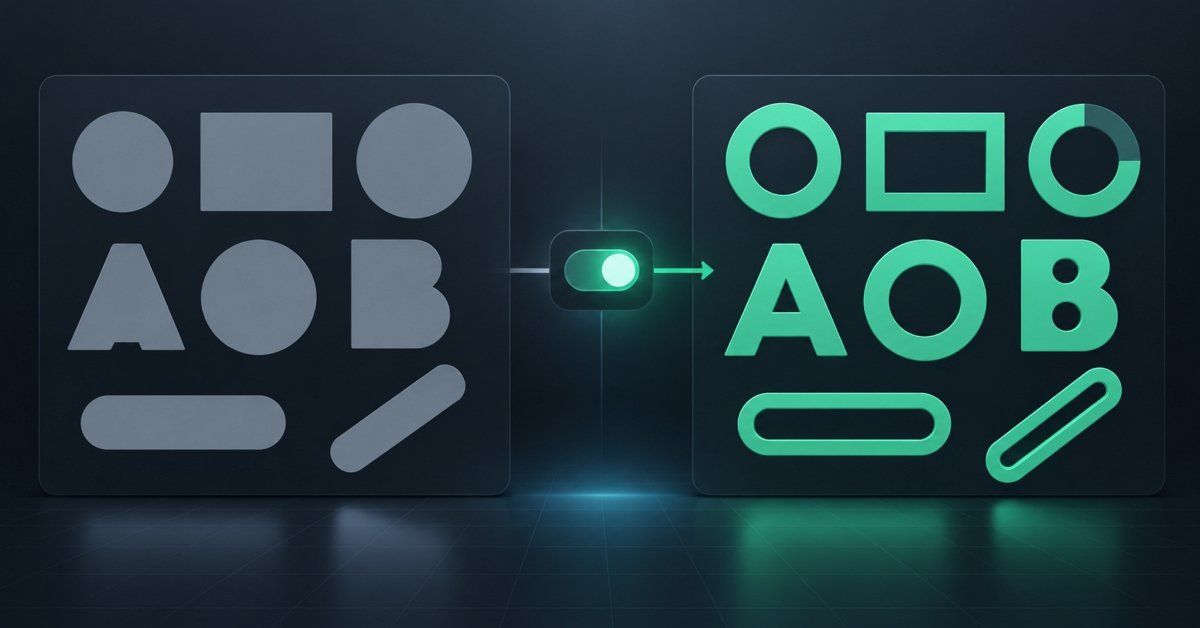
Part 3 filled shapes, and the fill was a yes-or-no decision: a pixel was either inside the shape or it was not. That is why every diagonal edge came out as a staircase, why slender elements could vanish completely, and why a semi-transparent fill painted over what was underneath instead of blending with it.
Part 4 replaces that yes-or-no test with a number. Once a pixel knows what fraction of it a shape covers, smooth edges and real transparency stop being two separate problems and become the same arithmetic.
What is inside
Coverage. The fraction of a pixel a shape occupies. Exact along x, by subtracting intervals; approximated along y, by sampling several horizontal sub-scanlines per row.
One compositing operator. CairoBlendOver multiplies coverage into the
source alpha and blends. That single multiplication is what makes anti-aliasing
and transparency one mechanism instead of two features working against each
other.
The rasterizer, second version. A coverage accumulator in place of a
paint-or-skip loop, an AddSpan() that credits partial pixels, and
sub-scanline sampling instead of one sample per row.
A quality dial you can turn at runtime. CairoAaSamples takes 1, 2, 4, 8
or 16. The article measures what each setting costs, so the trade between
quality and speed is a number you can look at rather than a feeling.
The details that bite. Straight versus premultiplied ARGB, un-premultiplication, and the epsilon handling that stops spans leaking a pixel at either end.
Six demo panels. Edge smoothing, the quality settings side by side, sub-pixel positioning, shallow edges, colour compositing, and coverage drawn as a gradient so you can see the number itself.
An honest note on scope
Coverage along y is sampled, not exact — that is precisely what
CairoAaSamples controls, and why 16 samples costs more than 4. Fill rules
and strokes are still ahead.
State of the library after this part:
Color.mqh      Part 1    the ARGB color type, uint 0xAARRGGBB
Surface.mqh    Part 1    a pixel buffer bound to one chart object
Path.mqh       Part 2    points, contours, MoveTo / LineTo / Close
Raster.mqh     Part 3    edges, winding, the first filled shape
Raster.mqh     Part 4    coverage, sub-scanlines, blend-over       <- today
Config.mqh     Part 4    CairoAaSamples, the runtime quality dial  <- today
More in this series
Building a real 2D renderer for MetaTrader 5 in pure MQL5 — anti-aliased shapes, transparency and gradients, with no DLLs and no external tools. About this series
- Part 1Why the terminal needs its own 2D-rendererSeptember 3, 2026
- Part 2Points, Contours and the PathSeptember 10, 2026
- Part 3Edges and the First Filled ShapeSeptember 28, 2026
- Part 4Anti-Aliasing, Coverage and Compositing — you are hereSeptember 28, 2026
- Part 5Fill Rules, Holes and BordersOctober 1, 2026
- Part 6Curves and Adaptive FlatteningOctober 23, 2026
- Part 7Arcs, Circles and Rounded RectanglesOctober 27, 2026
Continue reading on MQL5.com
The full article with complete source code is published on MQL5.com.